Part 6: How AWS Resources Get Created and the AWS Shared Responsibility Model
Day 6 of AWS Cloud Essentials: The real difference between clicking buttons and provisioning like a pro.
Provisioning Resources in AWS
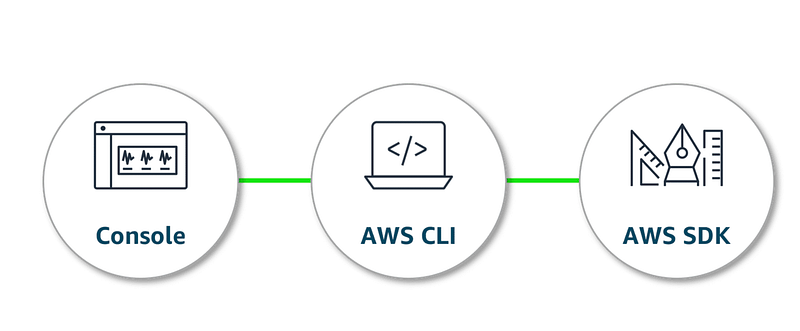
If you need an AWS resource to be created, get up and running. There are three ways you can do it.
- AWS Management Console
- AWS CLI
- AWS SDK
Let’s understand all three ways in detail, and see which one to use when.
AWS Management Console
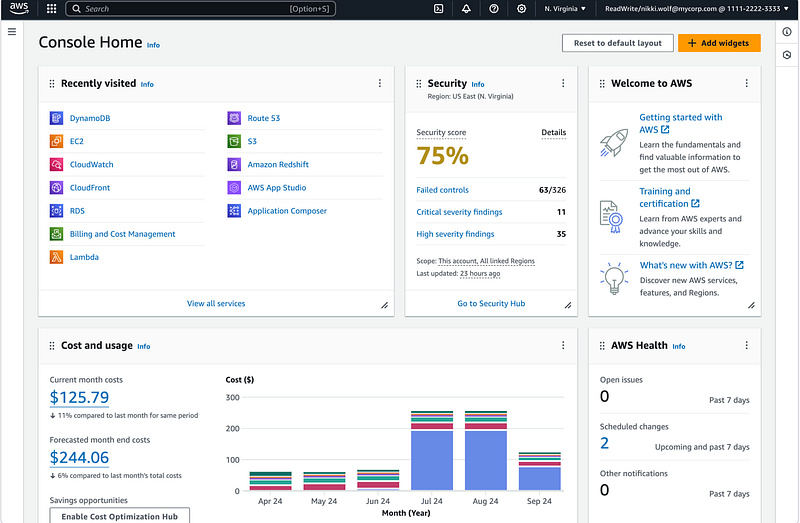
- What it is: AWS provide a GUI(Graphical user interface) to manage AWS resources
- When to use: If you’re new to AWS and don’t know where to start, it’s easy to start and work with. If you had to create one or two resources, but not in an automated fashion.
✅ Pros: Visual and beginner-friendly
❌ Cons: Slow, manual, not great for repeatable workflows
AWS CLI (The Developer Way)
- What it is: A terminal-based tool to talk to AWS using commands
- When to use: When you want to automate resource creation or management. When you’re using script deployments or you just don’t want to click and click again.
✅ Pros: Faster, repeatable, perfect for CI/CD
❌ Cons: Requires setup and command memorisation
Example —
aws ec2 run-instances --image-id ami-xyz --instance-type t2.microAWS SDK
- What it is: Code libraries
pythonjavanode.jswhich let your app talk to AWS directly. - When to use: When you want to do the management through your app. When building serverless or cloud-native apps.
✅ Pros: Fully automated, code-first
❌ Cons: You’ll need to write and test logic
Shared Responsibility
When you spin up an EC2 instance, AWS doesn’t handle everything for you. Welcome to the shared responsibility model.
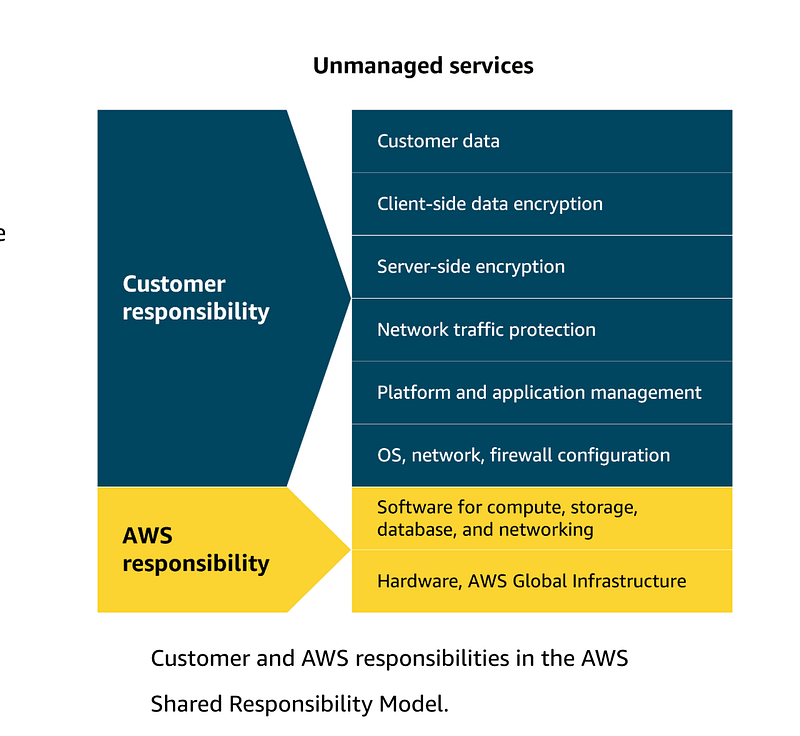
Think of it this way:
AWS is your landlord. You’re still responsible for keeping the house clean.
Real Talk: EC2 = Unmanaged Service
When you use EC2, you’re in charge of:
- OS update
- Patching vulnerabilities
- Managing firewalls (security groups)
- Controlling access
- Data Encryption
It’s powerful but comes with responsibility.
Will read more about managed services like lambda In future, from which the term serverless computing has originated.
TL;DR
✅ AWS APIs are the foundation — Console, CLI, and SDK are just ways to access them
✅ Use the CLI or SDK if you want to work smart, not hard
✅ Understand the Shared Responsibility Model — you own what you build
Coming Up Next…
Part 7: Creating your first EC2 Instance and AMIs
Your Turn
Which method do you use most — Console, CLI, or SDK?
Drop your thoughts below 👇
Let’s make AWS less scary, one step at a time.
At Dev Simplified, We Value Your Feedback 📊
👉 Follow us to not miss any updates.
👉 Have any suggestions? Let us know in the comments!