The 3 AM Outage That Taught Me What a Load Balancer Actually Does
I got paged at 3:14 AM. Our “unbreakable” server had just face-planted in front of 70,000 users. Here’s the ugly, honest story of what actually happened — and the one piece of infrastructure I had been ignoring for years.
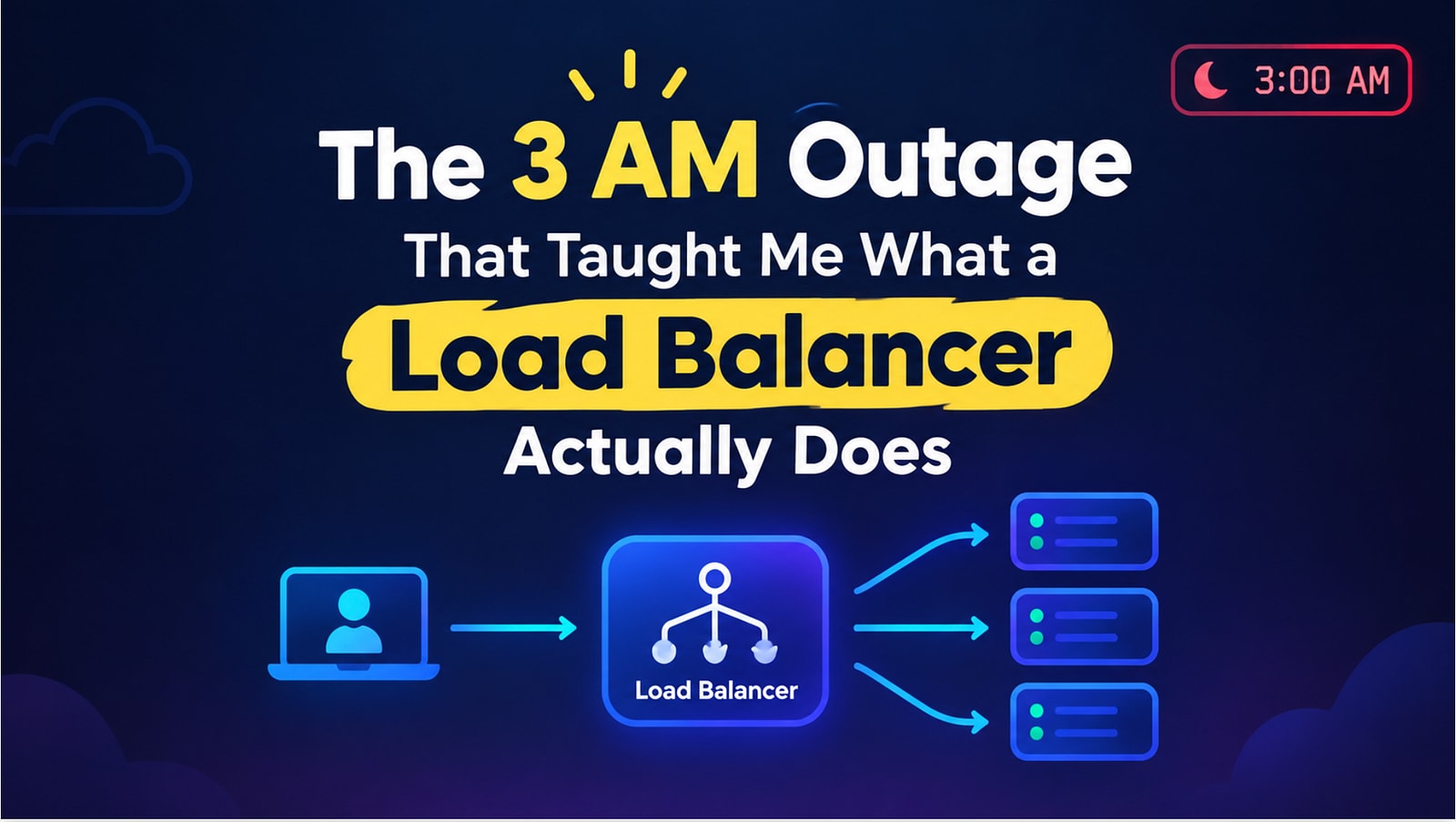
The 3 AM Outage That Taught Me What a Load Balancer Actually Does
My phone buzzed at 3:14 AM. Not a gentle buzz — the PagerDuty buzz, the one that makes your stomach drop before your brain even wakes up.
“Prod is down. 5xx errors spiking.”
I sat up, squinted at my laptop, and watched our dashboard turn a color I can only describe as angry red. Our app — which usually handled traffic just fine — had apparently gone viral overnight because of a random tweet. Great news for the business. Terrible news for the one lonely server holding up our entire backend.
Here’s the embarrassing part: I knew about load balancers. I’d read the term in a hundred system design articles. I’d nodded along in interviews. But I had never really understood why they exist, or what they’re doing behind the scenes at 3 AM when everything is on fire.
So let me tell you what I learned that night — in the plainest English possible, with zero jargon-dumping, because I remember exactly how confusing this stuff felt the first time.
Why one server just… gives up
Picture this. You’ve got a server that can comfortably handle 50,000 requests per second. On a normal day, you’re getting 20,000. Life is good. You’re basically over-provisioned and sipping coffee.
Then that tweet happens. Traffic jumps to 70,000 requests per second.
Now do the math: 70,000 minus 50,000 = 20,000 requests your server simply cannot serve.
If you’re lucky, your server is configured sensibly and it just rejects the extra requests — users see errors, but the server survives. If you’re unlucky (and that night, we were unlucky), the server doesn’t reject anything gracefully. It just crashes under the pressure, like a single cashier trying to check out an entire Black Friday crowd alone.
Have you ever had a service crash and thought “but it worked fine yesterday”? That’s usually this exact story playing out.
The obvious fix? Buy a second server. Now you’ve got two servers, each capable of 50,000 requests. Split 70,000 requests between them — 35,000 each — and suddenly nobody’s overwhelmed.
But this creates a new problem, and it’s the one nobody warns you about: how does a user’s request know whether to go to Server 1 or Server 2?
Users don’t manually pick a server. They shouldn’t have to. Something needs to sit in front of both servers and make that decision for them, silently, on every single request.
That “something” is a load balancer. And that night, we didn’t have one properly configured. We had one server, doing the job of a whole team, alone, at 3 AM.
A quick detour: three layers you need before any of this makes sense
Before I explain how load balancers actually route traffic, I need to explain three things that happen every time your browser talks to a server. Think of it like making a phone call:
You dial the number — this is the TCP connection. No data can move until this handshake happens. Client says “hey, can we talk?”, server says “sure”, client says “great, let’s go.” That’s the three-way handshake, every single time.
You start speaking in a coded language only the other person understands — this is TLS. It’s why your requests show up as
https://and nothttp://. Anyone intercepting the call just hears gibberish.You actually have the conversation — this is HTTP (or whatever application protocol you’re using). This is where the real content — your login request, your API call — lives.
Why does this matter for load balancers? Because depending on where the load balancer sits in this stack, it behaves completely differently. This is the difference between what’s called an L4 load balancer and an L7 load balancer, and understanding this difference is genuinely what separates “I’ve heard of load balancers” from “I actually get it.”
L4: The mailroom clerk who never opens your letters
An L4 load balancer works at the transport layer — it deals with raw TCP connections and has zero idea what’s actually inside the data. It has two flavors, and honestly, I didn’t know there were two until that night.
NAT mode is like a mailroom clerk who takes your envelope, quietly crosses out the destination address, writes a new one (say, Server 2’s address), and forwards it — without ever opening the envelope. The load balancer picks the destination server using a hashing algorithm (often based on your IP), rewrites the address on the packet, and lets it fly straight to the server. When the server replies, the same trick happens in reverse so you never even know a load balancer was involved.
It’s fast because nothing extra is being created — just address rewriting. But it’s also fairly dumb, because it can only really do one thing: hash and forward.
Proxy mode is a step up. Instead of just rewriting an address, the load balancer actually pretends to be the server for you — it accepts your connection, then opens a brand new, separate connection to the actual backend server on your behalf. It’s now genuinely in the middle of the conversation, not just steering an envelope.
Why does this matter? Because now the load balancer can see things like: how many active connections does each server currently have? That single fact unlocks smarter routing — like sending new requests to whichever server is least busy right now, instead of blindly hashing.
The tradeoff is speed. Setting up that second connection has overhead. NAT mode is the sprinter. Proxy mode is the smarter, slightly slower assistant.
L7: The bouncer who actually checks your ID
This is where things got genuinely interesting for me.
An L7 load balancer doesn’t just terminate the TCP connection — it terminates the TLS connection too. That means it actually decrypts your request and looks inside it before deciding what to do with it.
Why would you want that? Because now the load balancer can make smart decisions based on the actual content of your request. Say a request comes in with a cookie identifying the user as a premium subscriber. An L7 load balancer can read that cookie and route the request to a dedicated high-performance server reserved just for premium users — something an L4 load balancer, which can’t see inside the encrypted data, could never do.
Here’s a side benefit that genuinely surprised me: if you’re terminating TLS at the load balancer, your backend servers don’t each need their own SSL certificate anymore. Imagine managing renewal for 100 separate certificates across 100 servers — one expiring quietly and taking down a server nobody’s watching. With L7, only the load balancer needs a certificate. The connection from load balancer to backend server can even be plain HTTP, since it’s all happening inside your own private network anyway.
Have you ever had a certificate silently expire and cause an outage? Yeah. That’s exactly the pain this solves.
The algorithms: a story of one fix creating one new problem
This is my favorite part, because it’s basically a chain of engineers going “okay that mostly works, but here’s the new problem it creates” — over and over, for years.
Round robin — simplest idea possible. Server 1, Server 2, Server 3, back to Server 1, repeat forever.
Problem: what if Server 1 gets a genuinely heavy request and is still chewing on it when its turn comes around again? If each server can only handle one request at a time, that new request just gets dropped.
Round robin + a queue — fine, let’s queue up the requests instead of dropping them.
Problem: what if all the heavy, slow requests happen to land on your weakest, lowest-spec server? Its queue fills up completely, and now you’re dropping requests anyway — just a little later than before.
Weighted round robin — give beefier servers more traffic. A high-end server gets more requests than a budget one, proportional to how much it can actually handle.
Problem: some human has to sit down and manually assign these weights. Nobody wants that job, and nobody keeps it updated.
Dynamic weighted round robin — automate it. Let the load balancer measure real-time latency from each server and adjust weights on the fly. A server getting slow under load automatically gets less new traffic, without a human touching a config file.
Least connections — instead of any of that, just always send the new request to whichever server currently has the fewest active connections. Dead simple, and surprisingly effective under heavy load.
Here’s a quick mental model in pseudocode, because this clicked for me once I saw it written out:
# Round robin — simplest possible version
servers = ["server1", "server2", "server3"]
current = 0
def get_next_server():
    global current
    server = servers[current]
    current = (current + 1) % len(servers)
    return server

# Least connections - smarter under real load
active_connections = {"server1": 3, "server2": 1, "server3": 4}
def get_least_busy_server():
    return min(active_connections, key=active_connections.get)
Simple, right? But that one function — get_least_busy_server() — is the difference between an outage and a non-event.
And here’s the trade-off nobody tells you upfront: weighted round robin tends to win on latency. Least connections tends to win on not dropping requests during an overload spike. You genuinely have to pick your priority based on your situation — there’s no free lunch here. Benchmark your own workload before trusting anyone’s graph, including mine.
What I actually took away from that night
We fixed the outage by the time the sun came up — threw up a second server, put a basic load balancer in front, and the errors stopped. But the real fix wasn’t the extra server. It was finally understanding what had been silently missing from our architecture the whole time.
Here’s my honest takeaway: a load balancer isn’t some exotic, “senior engineer only” concept. It’s a translation of a problem every single one of us has faced at a much smaller scale — deciding how to fairly split work when one person (or server) can’t handle it all alone. NAT mode versus proxy mode versus L7 is really just a question of how much the middleman is allowed to know before making a decision. And the algorithm chain — round robin to least connections — is just the natural evolution of “well that broke, so what’s the next smallest fix?”
If there’s one thing I’d tell my 3 AM self: don’t wait for the outage to actually learn this. Go set up a toy load balancer on a weekend, break it on purpose, and watch what happens.
Have you had your own “3 AM outage” moment that taught you something you’d read about a dozen times but never actually understood? I’d genuinely like to hear it in the comments — those stories are usually more educational than any article, including this one.